From Device Connections to All-Night Imaging: Meet SynLink
Astrophotography brings together a lot of gear: an imaging camera, mount, guide camera, focuser, filter wheel, flat panel, and dew heaters. A dome may be part of the setup too.
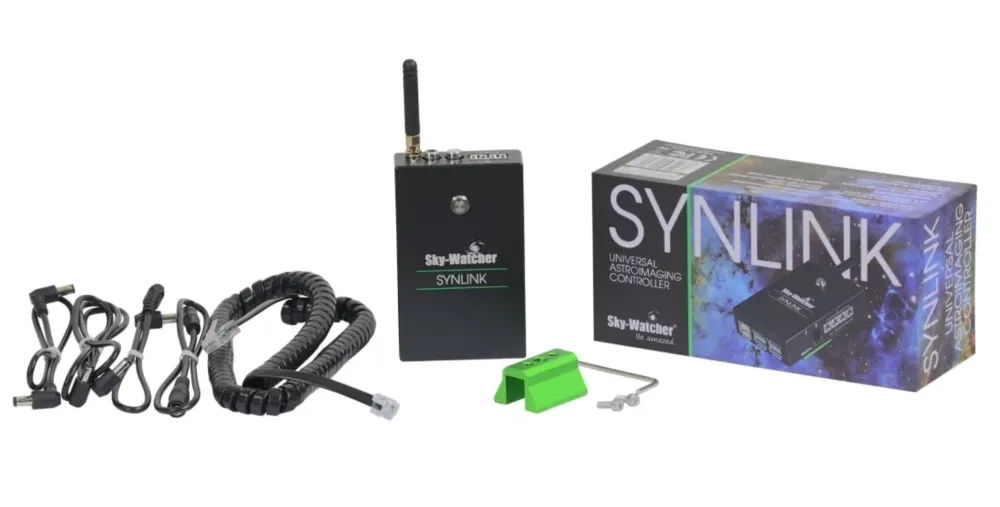
What Is SynLink?
SynLink is an astrophotography controller that works with the SynLink App to connect and control a range of equipment.
SynLink combines multiple data connections, power outputs, wireless control, local storage, and imaging automation in one controller. You can manage connected devices and coordinate key parts of an imaging session—from polar alignment and autofocus to guiding, multi-target imaging, etc.
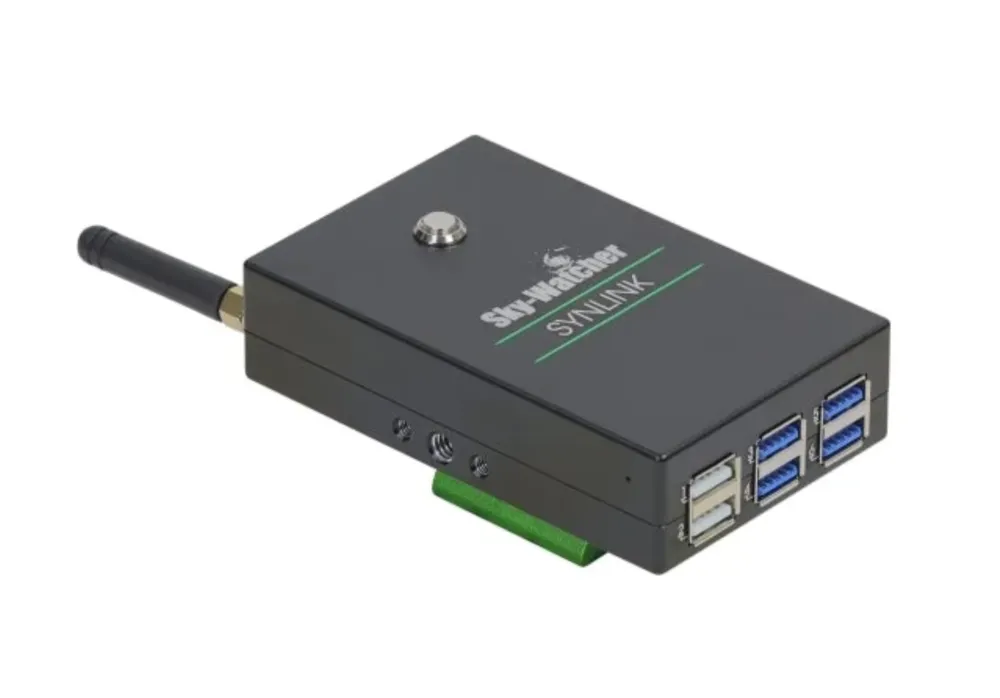
Hardware Interfaces at a Glance
- USB ports: Six USB Type-A ports—plus one USB Type-C port. Connect cameras, mounts, focusers, filter wheels, and other USB devices.
- Mount serial port: Connects to Sky-Watcher and Celestron mounts.
- DC power outputs: Four outputs for powering devices such as cameras and mounts.
- RCA dew heater ports: Two outputs for dew heaters.
- Wi-Fi antenna: Helps provide a wireless connection between the controller and your device.

Connect a Range of Astrophotography Equipment
SynLink supports many brands of imaging and guide cameras, mounts, domes, focusers, filter wheels, rotators, and flat panels. It also supports dew heaters, external storage, and USB-to-Ethernet adapter.
See the SynLink website for supported equipment.
Imaging Tools for the Whole Session
- Polar Alignment: The all-sky three-point alignment routine can work without a view of the celestial pole. Voice readouts can help while you adjust the mount.
- Autofocus: Choose from multiple autofocus routines. SynLink can also measure the backlash and focus offsets between filters.
- Guiding: Multi-star guiding and several guiding algorithms help maintain tracking. The built-in guiding assistant helps with setup and calibration.
- Target Framing: Use the object database, sky map, and altitude curves to plan targets and framing, including mosaics.
- Sequence Imaging: Choose a simple imaging plan or build a custom workflow. Sequences can coordinate multi-target imaging, meridian flips, and end-of-session actions.
- Additional Modes: Preview, Live, and Video modes to adapt to different scenarios.
SynLink also includes useful tools such as equipment checklist, Custom Horizon, and Image Inspector to help prepare for a session and review image quality.
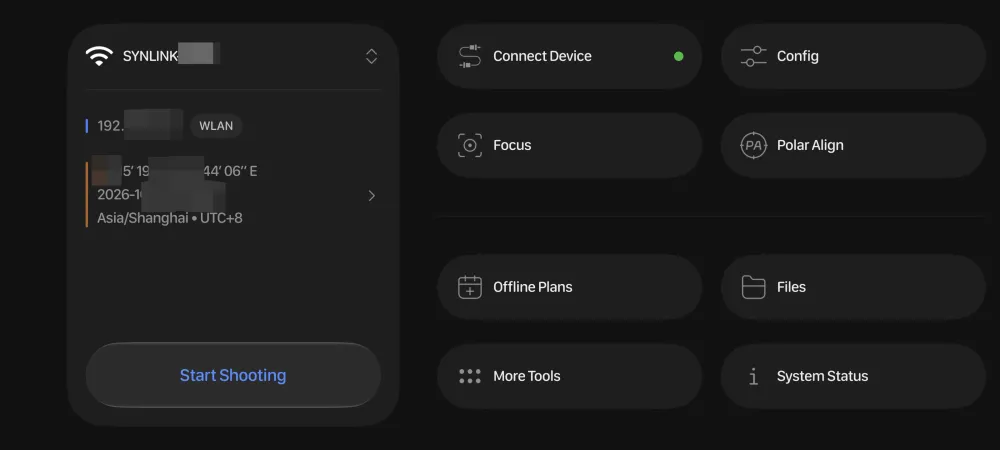
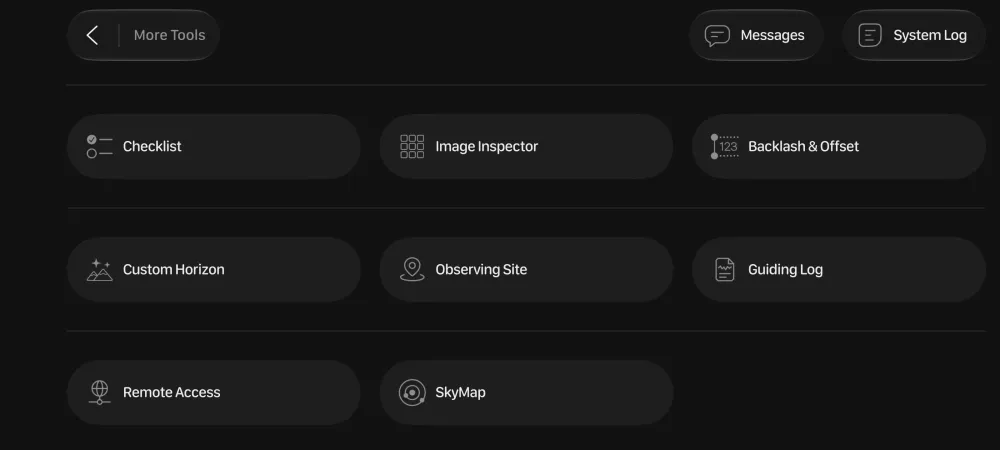
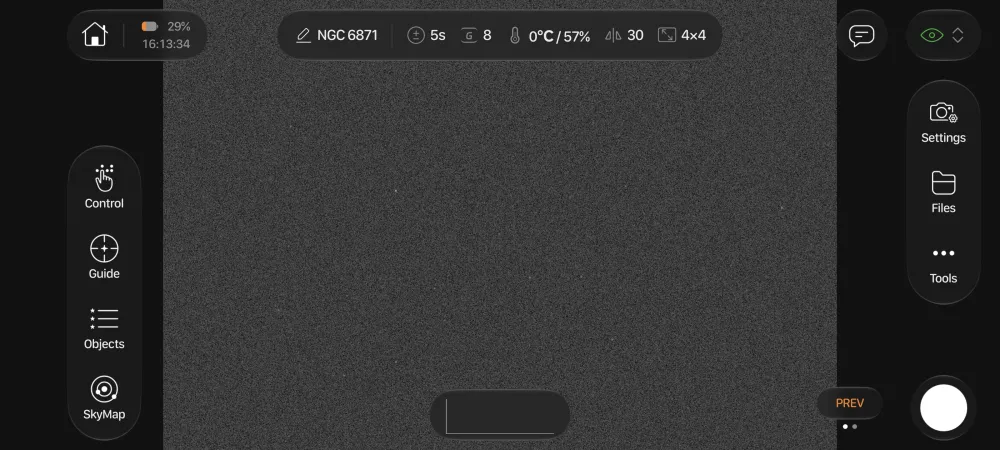
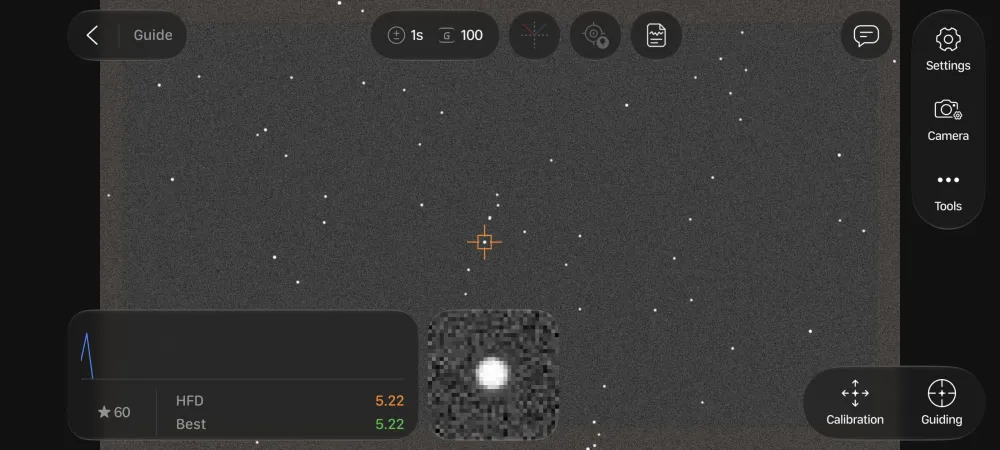
Use SynLink on Mobile or Desktop
The SynLink App is available for iOS, Android, macOS, and Windows. Use a phone or tablet at the telescope, or connect through your network to monitor and control an imaging session from indoors.
This tutorial series will guide you through the process step by step—from hardware connections and initial setup to polar alignment, focusing, guiding, and sequence imaging.
This tutorial is based on SynLink App and firmware version 1.0.6. Menu names and features may differ in other versions.
What equipment is in your imaging setup? Which SynLink feature would you like us to cover first? Let us know in the comments.
Interested in SynLink? Visit the product page for more information and purchase options.

